-
Shop
- Advanced Technologies
- AI Skills
- Bathroom
- Best-Sellers
- Car Accessories
- Confidence
- Dating & Social Skills
- Digital Resources
- AI & Technology
- Beauty
- Budgeting & Saving
- Car Buying & Ownership
- Cozy Feast Collection
- Electronics & Technology
- Entrepreneurship & Business Growth
- Financial Education
- Financial Independence
- Financial Mindset & Psychology
- Goal Setting
- Home Styling & Organization
- Kitchen & Recipes
- Leadership
- Mindfulness
- Mindset
- Online Business
- Parenting & Child Development
- Personal Style & Fashion
- Pet Lifestyle & Wellness
- Positive Thinking
- Sleep Improvement
- Smart Life with AI
- Stress Management & Relaxation
- Travel Planning
- Wellness
- Yoga & Fitness
- Yoga & Mind-Body Practices
- Education & Learning
- Family & Parenting
- Fashion
- Accessories
- Alexander McQueen
- Bags
- Bags & Wallets
- Balenciaga
- Belts
- Blazers
- Bottega Veneta
- Bottoms
- Brunello Cucinelli
- Burberry
- Chanel
- Chloé
- Dior
- Dolce & Gabbana
- Dresses
- Etro
- Fendi
- Gucci
- Hats & Hair Accessories
- Hoodies & Sweatshirts
- Jacquemus
- Jewelry
- Jil Sander
- Kiton
- Luggage
- Miu Miu
- Off-White
- Outerwear
- Prada
- Rick Owens
- Saint Laurent
- Shoes
- Socks & Tights
- Sweaters & Cardigans
- The Row
- Tom Ford
- Tops & Shirts
- Valentino
- Valentino Garavani
- Versace
- Vivienne Westwood
- Watches
- Fashion Accessories
- Furniture
- Gadgets
- Health & Beauty
- Health & Wellness
- Home & Garden
- Home Decor
- Home Electronics
- Home Supplies
- Kids & Babies
- Kitchen
- Kitchen Best-Sellers
- Lighting
- Patio, Lawn & Garden
- Personal Growth
- Pet Care
- Pet Supplies
- Pets
- Sport & Outdoors
- Super Deals
- Travel
- Travel & Adventure
- Wealth
- Popular
- Best deals
Is Someone Using Alexa Drop In? Signs & How to Check
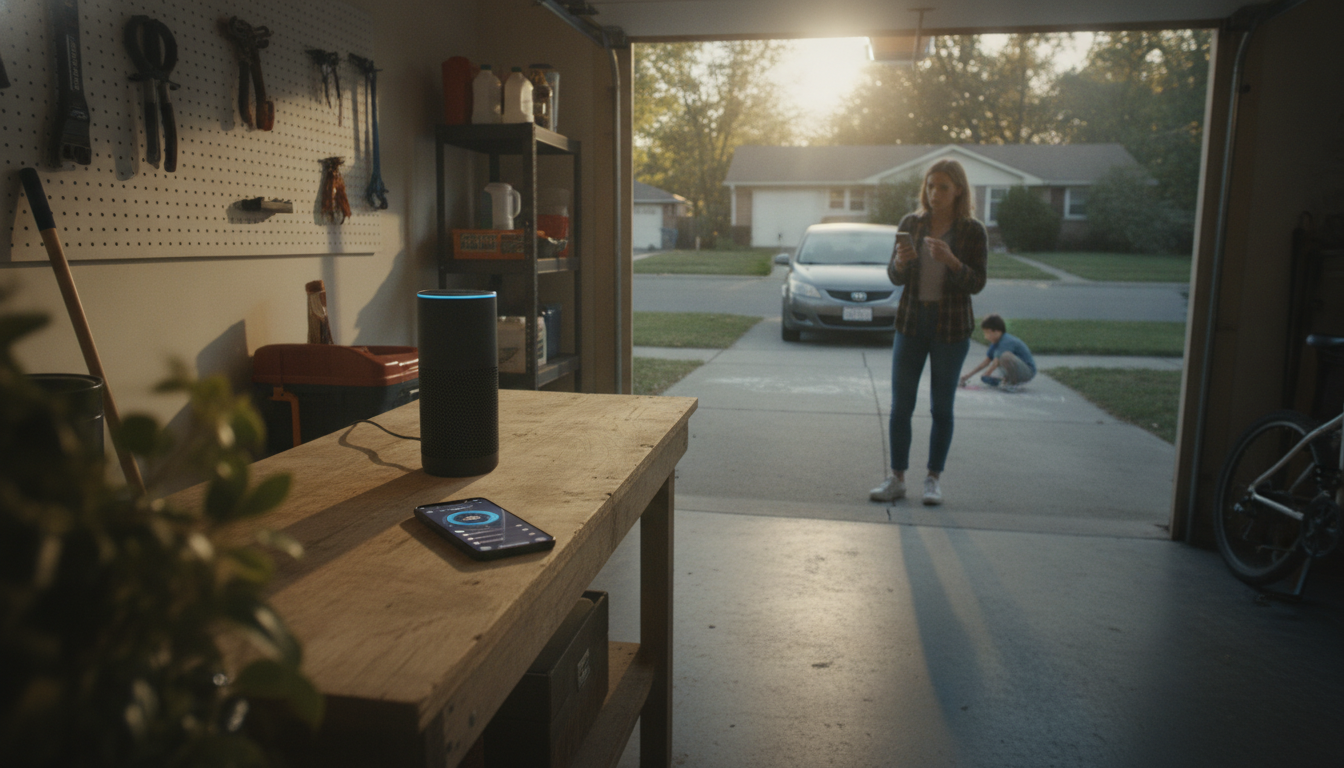
How to tell if someone is using the drop-in feature on Alexa?
Check for obvious visual and audio clues
When Drop In connects, the Echo device typically makes a short tone and the light ring changes (often to a green pulse). On Echo Show devices, the screen may display a Drop In connection and you may hear the other person immediately, even if nobody “answered” like a normal call. If you notice unexpected audio coming from an Echo, especially paired with a pulsing green light, Drop In is the first thing to rule out.
Look at Alexa communications history in the app
Open the Alexa app and review your recent communications activity. Depending on your device and app version, you can check recent calls/Drop Ins from the Communications area and any logged activity tied to calling features. If you see entries you don’t recognize, it could indicate someone initiated a Drop In to (or from) your account.
Verify who has Drop In permission
Drop In only works when it’s enabled and permissions allow it. In the Alexa app, review each Echo device’s settings to confirm whether Drop In is turned on, and whether it’s restricted to “My Household,” specific contacts, or broader contact access. If it’s set too broadly, someone approved as a contact may be able to connect without much friction.
Confirm you’re not in “Do Not Disturb” and review privacy controls
If Drop In is happening at inconvenient times, enabling Do Not Disturb can block incoming Drop Ins on supported devices. Also review Household profiles, contact permissions, and any shared Amazon accounts—shared access is a common reason unexpected Drop Ins occur.
For step-by-step settings, permission options, and privacy tips, see the full guide: https://bestsellis.com/guide-alexa-drop-in-safe-setup-permissions-privacy-tips/.
FAQ
How do I turn off Drop In on Alexa for one device but not others?
In the Alexa app, select the specific Echo device, open its settings, and toggle Drop In off for that device. Repeat for any other devices where you want different behavior, since Drop In can be managed per device.
Recommended for you



How to Drop In on Your Mom’s Alexa (Step-by-Step)
Jun 20, 2026













Leave a comment