-
Shop
- Advanced Technologies
- AI Skills
- Bathroom
- Best-Sellers
- Car Accessories
- Confidence
- Dating & Social Skills
- Digital Resources
- AI & Technology
- Beauty
- Budgeting & Saving
- Car Buying & Ownership
- Cozy Feast Collection
- Electronics & Technology
- Entrepreneurship & Business Growth
- Financial Education
- Financial Independence
- Financial Mindset & Psychology
- Goal Setting
- Home Styling & Organization
- Kitchen & Recipes
- Leadership
- Mindfulness
- Mindset
- Online Business
- Parenting & Child Development
- Personal Style & Fashion
- Pet Lifestyle & Wellness
- Positive Thinking
- Sleep Improvement
- Smart Life with AI
- Stress Management & Relaxation
- Travel Planning
- Wellness
- Yoga & Fitness
- Yoga & Mind-Body Practices
- Education & Learning
- Family & Parenting
- Fashion
- Accessories
- Alexander McQueen
- Bags
- Bags & Wallets
- Balenciaga
- Belts
- Blazers
- Bottega Veneta
- Bottoms
- Brunello Cucinelli
- Burberry
- Chanel
- Chloé
- Dior
- Dolce & Gabbana
- Dresses
- Etro
- Fendi
- Gucci
- Hats & Hair Accessories
- Hoodies & Sweatshirts
- Jacquemus
- Jewelry
- Jil Sander
- Kiton
- Luggage
- Miu Miu
- Off-White
- Outerwear
- Prada
- Rick Owens
- Saint Laurent
- Shoes
- Socks & Tights
- Sweaters & Cardigans
- The Row
- Tom Ford
- Tops & Shirts
- Valentino
- Valentino Garavani
- Versace
- Vivienne Westwood
- Watches
- Fashion Accessories
- Furniture
- Gadgets
- Health & Beauty
- Health & Wellness
- Home & Garden
- Home Decor
- Home Electronics
- Home Supplies
- Kids & Babies
- Kitchen
- Kitchen Best-Sellers
- Lighting
- Patio, Lawn & Garden
- Personal Growth
- Pet Care
- Pet Supplies
- Pets
- Sport & Outdoors
- Super Deals
- Travel
- Travel & Adventure
- Wealth
- Popular
- Best deals
How to Drop In on Your Mom’s Alexa (Step-by-Step)
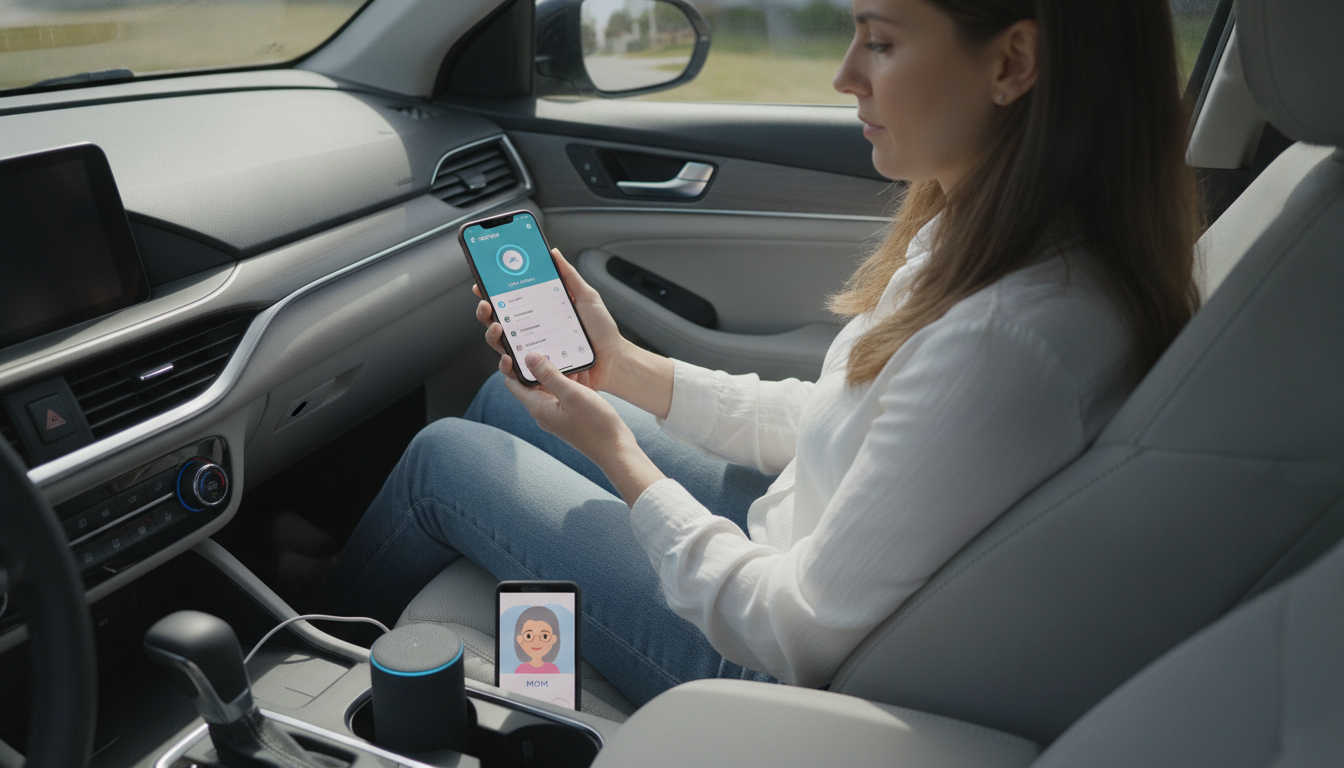
How do I drop in on my mom’s Alexa?
To drop in on your mom’s Alexa, both of you need to enable Drop In, grant permission, and make sure the specific device is allowed for Drop In. Once it’s set up, you can start an instant two-way conversation from your Alexa device or the Alexa app—without her having to “answer” like a normal call (unless she chooses a more private permission level).
1) Confirm her Alexa account and device are ready
On your mom’s phone, open the Alexa app and ensure she’s signed into the Amazon account that owns the Echo device. Then go to Devices > Echo & Alexa > select the Echo you want to reach. Under Communications, make sure Drop In is turned on for that device (some households prefer enabling it only on a kitchen or living-room Echo).
2) Set the right Drop In permissions
Drop In works through Alexa calling and messaging permissions. Your mom controls who can drop in. In her Alexa app, she can allow Drop In for members of her household or specific contacts. If you’re not already an allowed contact, she may need to enable Alexa calling for her account and adjust contact permissions so your profile can drop in.
3) Add each other as contacts (if needed)
In the Alexa app, check Communicate (or Communication) > Contacts. Make sure your phone number/contact card is recognized, and that you’re both using the same phone numbers tied to your Amazon/Alexa contact entries. This helps Alexa match the right person when someone says your name.
4) Drop in from your device or the Alexa app
From an Echo, say: “Alexa, drop in on Mom” (or the specific device name, like “Living Room Echo”). From the Alexa app, tap Communicate > Drop In, then choose your mom’s device.
5) Troubleshoot quickly if it won’t connect
If Drop In fails, verify the Echo is online, Drop In is enabled on that exact device, and permissions are set to allow you. For a deeper walkthrough on safe setup, permissions, and privacy controls, see this complete Alexa Drop In guide.
FAQ
How do I stop someone from using Drop In on my Alexa?
Open the Alexa app, go to the specific Echo device settings, and turn off Drop In for that device. You can also restrict permissions so only approved household members or contacts can drop in.
Recommended for you



Is Someone Using Alexa Drop In? Signs & How to Check
Jun 20, 2026













Leave a comment