-
Shop
- Advanced Technologies
- AI Skills
- Bathroom
- Best-Sellers
- Car Accessories
- Confidence
- Dating & Social Skills
- Digital Resources
- AI & Technology
- Beauty
- Budgeting & Saving
- Car Buying & Ownership
- Cozy Feast Collection
- Electronics & Technology
- Entrepreneurship & Business Growth
- Financial Education
- Financial Independence
- Financial Mindset & Psychology
- Goal Setting
- Home Styling & Organization
- Kitchen & Recipes
- Leadership
- Mindfulness
- Mindset
- Online Business
- Parenting & Child Development
- Personal Style & Fashion
- Pet Lifestyle & Wellness
- Positive Thinking
- Sleep Improvement
- Smart Life with AI
- Stress Management & Relaxation
- Travel Planning
- Wellness
- Yoga & Fitness
- Yoga & Mind-Body Practices
- Education & Learning
- Family & Parenting
- Fashion
- Accessories
- Alexander McQueen
- Bags
- Bags & Wallets
- Balenciaga
- Belts
- Blazers
- Bottega Veneta
- Bottoms
- Brunello Cucinelli
- Burberry
- Chanel
- Chloé
- Dior
- Dolce & Gabbana
- Dresses
- Etro
- Fendi
- Gucci
- Hats & Hair Accessories
- Hoodies & Sweatshirts
- Jacquemus
- Jewelry
- Jil Sander
- Kiton
- Luggage
- Miu Miu
- Off-White
- Outerwear
- Prada
- Rick Owens
- Saint Laurent
- Shoes
- Socks & Tights
- Sweaters & Cardigans
- The Row
- Tom Ford
- Tops & Shirts
- Valentino
- Valentino Garavani
- Versace
- Vivienne Westwood
- Watches
- Fashion Accessories
- Furniture
- Gadgets
- Health & Beauty
- Health & Wellness
- Home & Garden
- Home Decor
- Home Electronics
- Home Supplies
- Kids & Babies
- Kitchen
- Kitchen Best-Sellers
- Lighting
- Patio, Lawn & Garden
- Personal Growth
- Pet Care
- Pet Supplies
- Pets
- Sport & Outdoors
- Super Deals
- Travel
- Travel & Adventure
- Wealth
- Popular
- Best deals
Alexa Drop In: Safe Setup, Permissions, and Privacy Tips
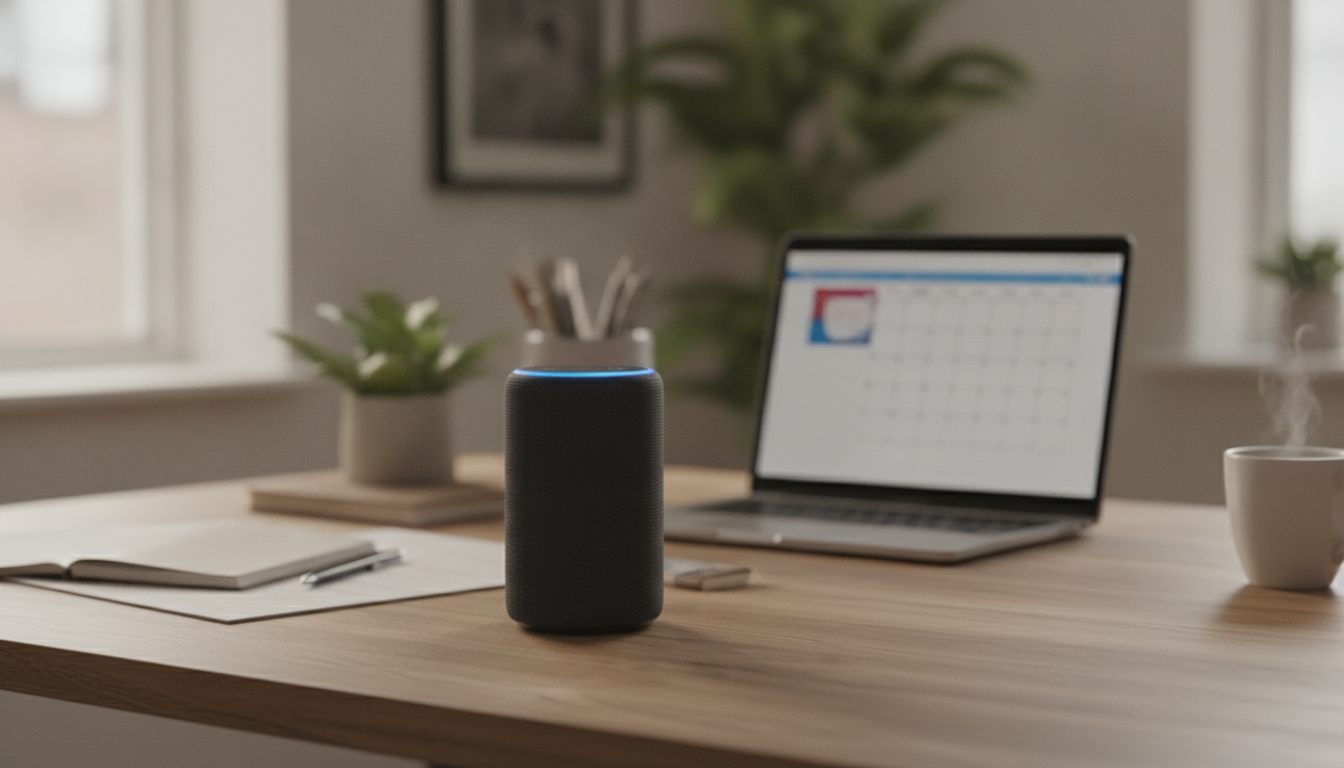
Alexa Drop In is an intercom-style feature that lets approved contacts or household devices connect instantly to an Echo. Used well, it’s a convenient way to check in on family or speak between rooms. Used carelessly, it can raise privacy concerns. This guide breaks down what Drop In does, when it rings vs. connects automatically, how to set it up safely, and how to recognize when it’s being used. For more guidance, see Four Amazon Echo Settings to Disable for Better Privacy.
What Drop In Is (and What It Isn’t)
Drop In creates an instant, two-way voice connection between approved endpoints—and it can include video on compatible Echo Show devices. Think of it as an always-available intercom for your own approved devices and people, not a public call-in feature. For further reading, see Amazon Echo Dot | Privacy & security guide – Mozilla Foundation.
- Instant connection: Once permissions are granted, Drop In can connect quickly without the usual “ring and answer” flow.
- Not open to strangers: It requires explicit permissions, either device-to-device within your household or contact-based approvals through the Alexa app.
- Different from Alexa calling: Regular Alexa calls typically ring and require someone to answer. Drop In may connect automatically depending on your settings.
For Amazon’s official walkthrough, see Amazon Alexa Help: Use Drop In with your Echo device.
How Drop In Permissions Work
Permissions are the core safety feature of Drop In. The experience depends on whether you’re using it inside one Amazon account (household devices) or between people (contacts).
- Household devices: Drop In can be enabled per Echo device, allowing other Echo devices on the same account to connect.
- Contacts: Specific people in your contacts can be granted Drop In permission (managed in the Alexa app). Without that approval, they can’t Drop In.
- Granular controls: You can allow Drop In for a single device (like “Kitchen Echo”) instead of opening access to every device.
- Two-way audio: Both sides can speak once connected. If the target Echo’s microphone is muted, it won’t transmit audio from that room.
If you want a deeper, practical setup that focuses on safer defaults and permission checklists, the downloadable resource Alexa Drop In Explained – Complete Guide to the Alexa Drop In Feature, Is It Safe? Smart Home Privacy & Security Guide is designed for families and multi-device households.
Drop In vs. Announcements vs. Calling
These three Alexa communication tools sound similar but behave very differently. Picking the right one is often the simplest privacy upgrade.
- Announcements: Broadcasts a message to selected devices (typically one-way). It doesn’t automatically open a live conversation.
- Calling: Behaves like a normal call and usually rings. It’s a better fit when you want the person on the other end to explicitly accept the conversation.
- Drop In: Best for quick check-ins (elder care, kids arriving home, room-to-room communication), when everyone involved has agreed to the setup.
- Video behavior varies: On Echo Show devices, Drop In may start with audio and then shift depending on device model and settings.
Quick comparison of Alexa communication features
| Feature | Connection style | Who can use it | Best for |
|---|---|---|---|
| Drop In | Instant, can auto-connect based on permissions | Approved household devices or approved contacts | Intercom, quick check-ins |
| Calling | Rings, requires answering | Contacts (and supported Alexa-to-Alexa calling) | Private conversations, less intrusive |
| Announcements | Broadcast message (typically one-way) | Household devices on the account | Household notifications, reminders |
How to Enable Drop In Safely (Step-by-Step)
A safer Drop In setup is less about turning it on everywhere and more about limiting it to the right rooms and people.
Safety and Privacy Controls That Matter Most
For broader account-level privacy tools, visit the Amazon Alexa Privacy Hub.
How to Tell When Someone Is Dropping In
Common Scenarios and Safer Defaults
Troubleshooting: When Drop In Won’t Work
Learn More: Full Guide Resource
If you’re setting up multiple devices (especially for caregiving), a written checklist can prevent accidental access. The product page for Alexa Drop In Explained – Complete Guide to the Alexa Drop In Feature, Is It Safe? Smart Home Privacy & Security Guide includes practical configurations, household setup tips, and privacy-focused routines.
For readers managing a home-based service or tech support workflow alongside smart home setups, these in-stock digital resources may also be useful: AI for Small Business Toolkit – 5-in-1 Digital Download Bundle and Choosing the Right Payment Solution for Your Business: Stripe vs Square Which Is Better – Complete eBook Guide for Small Business Owners.
FAQ
Can Alexa drop in without anyone knowing?
Drop In is permission-based, and the target Echo typically shows an active-session indicator (lights and/or an on-screen banner on Echo Show). For more privacy, keep Drop In disabled in private rooms and use the microphone mute button when needed.
How do I drop in on my mom’s Alexa?
Her Echo must have Drop In enabled, and she must grant your contact Drop In permission in the Alexa app (or both devices must be on the same approved household setup). For a safer setup, use a dedicated Echo in a shared room and confirm consent before enabling contact-based Drop In.
How to tell if someone is using the drop-in feature on Alexa?
Look for the device’s visual/audio indicators during a session, and note whether ongoing audio (like music) automatically lowers in volume. If you suspect unwanted access, disable Drop In and review device and contact permissions in the Alexa app.
















Leave a comment