-
Shop
- Advanced Technologies
- AI Skills
- Bathroom
- Best-Sellers
- Car Accessories
- Confidence
- Dating & Social Skills
- Digital Resources
- AI & Technology
- Beauty
- Budgeting & Saving
- Car Buying & Ownership
- Cozy Feast Collection
- Electronics & Technology
- Entrepreneurship & Business Growth
- Financial Education
- Financial Independence
- Financial Mindset & Psychology
- Goal Setting
- Home Styling & Organization
- Kitchen & Recipes
- Leadership
- Mindfulness
- Mindset
- Online Business
- Parenting & Child Development
- Personal Style & Fashion
- Pet Lifestyle & Wellness
- Positive Thinking
- Sleep Improvement
- Smart Life with AI
- Stress Management & Relaxation
- Travel Planning
- Wellness
- Yoga & Fitness
- Yoga & Mind-Body Practices
- Education & Learning
- Family & Parenting
- Fashion
- Accessories
- Alexander McQueen
- Bags
- Bags & Wallets
- Balenciaga
- Belts
- Blazers
- Bottega Veneta
- Bottoms
- Brunello Cucinelli
- Burberry
- Chanel
- Chloé
- Dior
- Dolce & Gabbana
- Dresses
- Etro
- Fendi
- Gucci
- Hats & Hair Accessories
- Hoodies & Sweatshirts
- Jacquemus
- Jewelry
- Jil Sander
- Kiton
- Luggage
- Miu Miu
- Off-White
- Outerwear
- Prada
- Rick Owens
- Saint Laurent
- Shoes
- Socks & Tights
- Sweaters & Cardigans
- The Row
- Tom Ford
- Tops & Shirts
- Valentino
- Valentino Garavani
- Versace
- Vivienne Westwood
- Watches
- Fashion Accessories
- Furniture
- Gadgets
- Health & Beauty
- Health & Wellness
- Home & Garden
- Home Decor
- Home Electronics
- Home Supplies
- Kids & Babies
- Kitchen
- Kitchen Best-Sellers
- Lighting
- Patio, Lawn & Garden
- Personal Growth
- Pet Care
- Pet Supplies
- Pets
- Sport & Outdoors
- Super Deals
- Travel
- Travel & Adventure
- Wealth
- Popular
- Best deals
Alexa Drop In Outside Your Home: Setup & Permissions
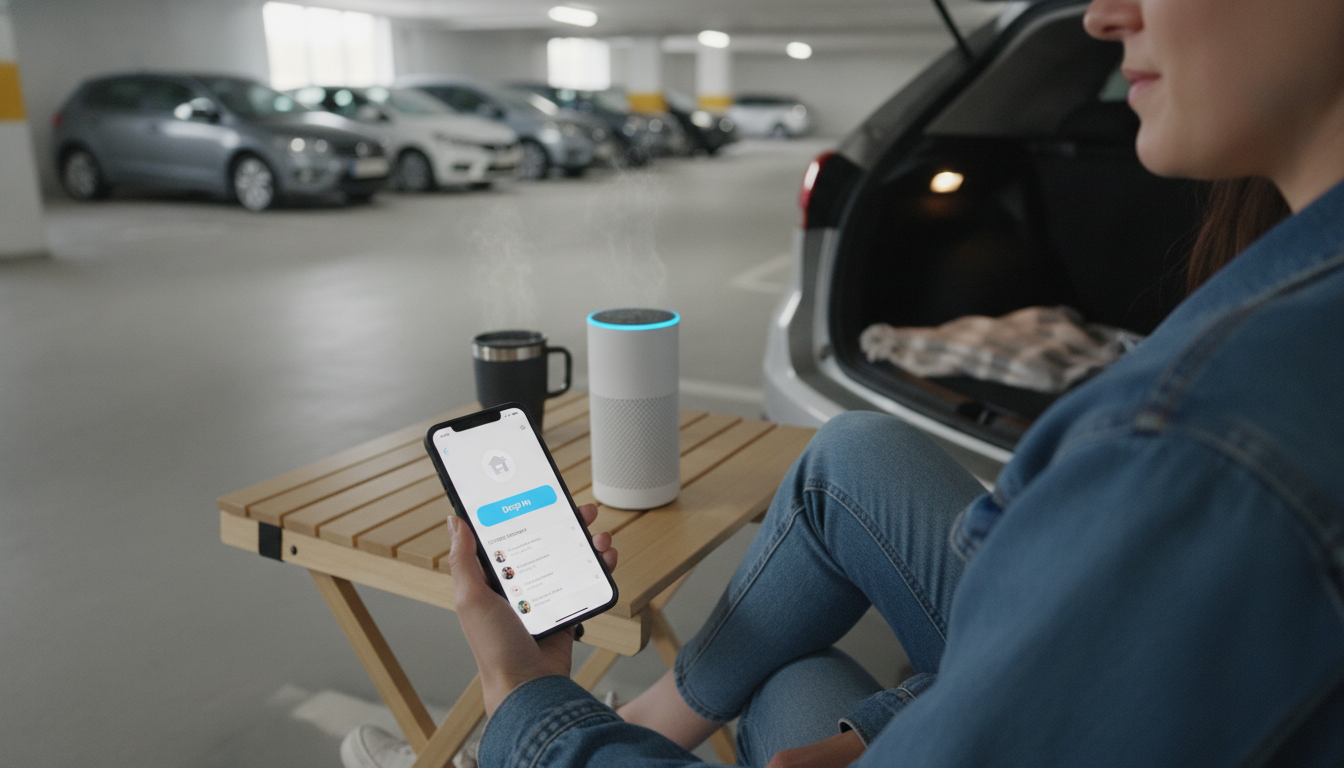
How do I drop in Alexa outside my household?
To use Alexa Drop In outside your household, you need two things: permission between accounts and a device/contact setup that allows Drop In. Amazon limits Drop In to trusted connections, so you can’t just drop in on any Echo by name the way you would make a normal call.
Step-by-step: Drop In to someone who doesn’t live with you
1) Make sure both people have the Alexa app and an Amazon account
Each person should install the Alexa app on their phone and sign in. This is where permissions are granted and contacts are managed.
2) Add each other as Alexa contacts
In the Alexa app, go to the communication/contacts area and ensure the other person appears as a contact (or invite/add them if needed). The contact needs to be reachable for Alexa calling features.
3) Turn on Drop In for the contact (permission required)
The person you want to drop in on must allow Drop In from you. In most cases, this means they open your contact card in the Alexa app and enable “Allow Drop In.” Without this approval, you can place a call, but Drop In won’t connect automatically.
4) Confirm the target Echo device allows Drop In
On the recipient’s side, the specific Echo you’re trying to reach should have Drop In enabled in its device settings. They can also limit Drop In to specific people or disable it entirely for that device.
5) Use the correct voice command
Once permissions are set, say: “Alexa, drop in on Mom,” or “Alexa, drop in on John.” If they have multiple Echos with the same contact, Alexa may ask which device to use.
Privacy notes to avoid surprises
Drop In is designed to be intentional. Many Echo devices play an alert or show a visual indicator when a Drop In starts, and settings can be adjusted to reduce risk. For a deeper walkthrough on safe setup, permissions, and privacy controls, see the full guide: https://bestsellis.com/guide-alexa-drop-in-safe-setup-permissions-privacy-tips/.
FAQ
Why is Alexa Drop In not working even after I add the person?
Drop In requires the other person to explicitly allow Drop In from you and for the specific Echo device to have Drop In enabled. If either permission is off, Alexa may only offer a regular call or fail to connect.
Recommended for you
Using Alexa Drop In Away From Home: Setup & Tips
Jun 21, 2026













Leave a comment