-
Shop
- Advanced Technologies
- AI Skills
- Bathroom
- Best-Sellers
- Car Accessories
- Confidence
- Dating & Social Skills
- Digital Resources
- AI & Technology
- Beauty
- Budgeting & Saving
- Car Buying & Ownership
- Cozy Feast Collection
- Electronics & Technology
- Entrepreneurship & Business Growth
- Financial Education
- Financial Independence
- Financial Mindset & Psychology
- Goal Setting
- Home Styling & Organization
- Kitchen & Recipes
- Leadership
- Mindfulness
- Mindset
- Online Business
- Parenting & Child Development
- Personal Style & Fashion
- Pet Lifestyle & Wellness
- Positive Thinking
- Sleep Improvement
- Smart Life with AI
- Stress Management & Relaxation
- Travel Planning
- Wellness
- Yoga & Fitness
- Yoga & Mind-Body Practices
- Education & Learning
- Family & Parenting
- Fashion
- Accessories
- Alexander McQueen
- Bags
- Bags & Wallets
- Balenciaga
- Belts
- Blazers
- Bottega Veneta
- Bottoms
- Brunello Cucinelli
- Burberry
- Chanel
- Chloé
- Dior
- Dolce & Gabbana
- Dresses
- Etro
- Fendi
- Gucci
- Hats & Hair Accessories
- Hoodies & Sweatshirts
- Jacquemus
- Jewelry
- Jil Sander
- Kiton
- Luggage
- Miu Miu
- Off-White
- Outerwear
- Prada
- Rick Owens
- Saint Laurent
- Shoes
- Socks & Tights
- Sweaters & Cardigans
- The Row
- Tom Ford
- Tops & Shirts
- Valentino
- Valentino Garavani
- Versace
- Vivienne Westwood
- Watches
- Fashion Accessories
- Furniture
- Gadgets
- Health & Beauty
- Health & Wellness
- Home & Garden
- Home Decor
- Home Electronics
- Home Supplies
- Kids & Babies
- Kitchen
- Kitchen Best-Sellers
- Lighting
- Patio, Lawn & Garden
- Personal Growth
- Pet Care
- Pet Supplies
- Pets
- Sport & Outdoors
- Super Deals
- Travel
- Travel & Adventure
- Wealth
- Popular
- Best deals
Using Alexa Drop In Away From Home: Setup & Tips
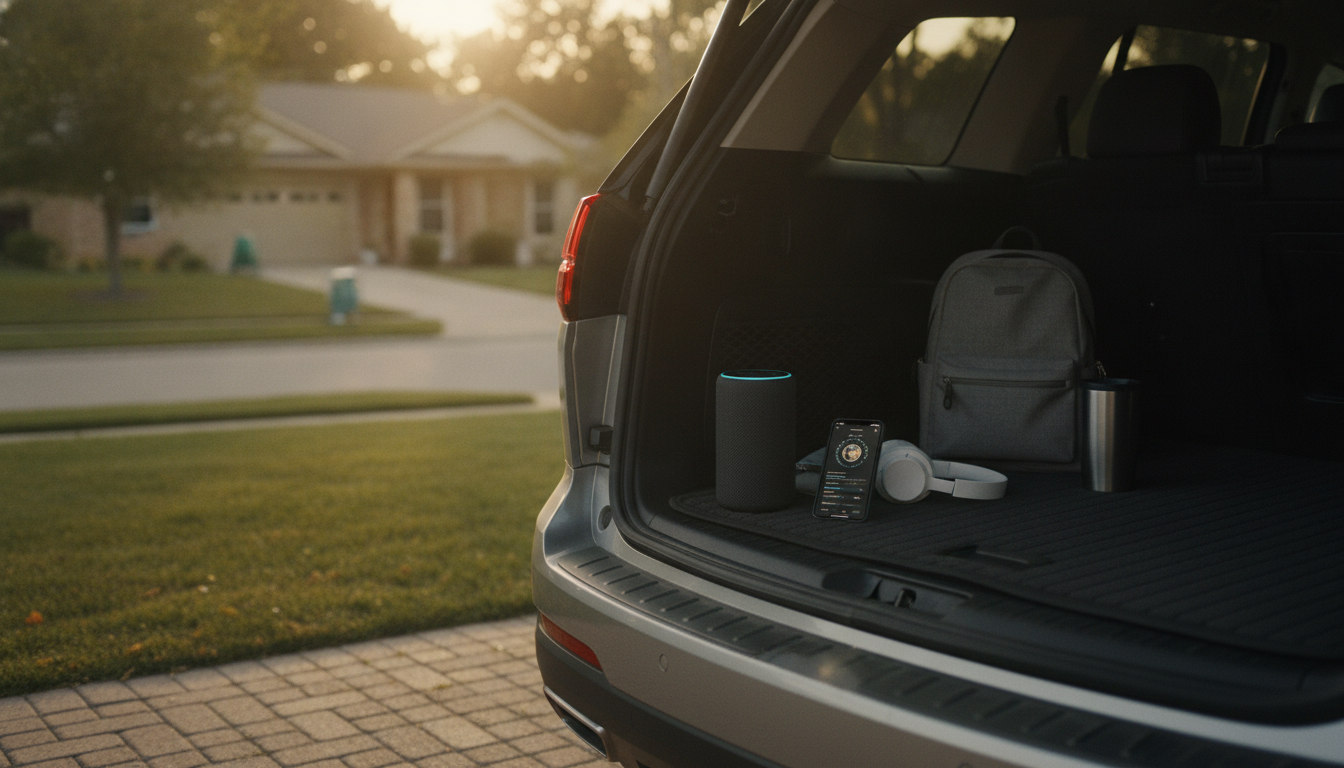
Can you use Alexa to drop in away from home?
Yes. Alexa Drop In works away from home as long as your Echo device (or Alexa-enabled speaker/display) is online and your phone or other Alexa device is signed in to the same Amazon account (or has been granted permission through your household/contacts settings). Since Drop In uses the internet rather than local Wi‑Fi only, you can initiate it from work, while traveling, or anywhere you have a stable connection.
How Drop In works when you’re not on your home Wi‑Fi
When you say “Alexa, drop in on Kitchen Echo” from the Alexa app or another Alexa device, the request routes through Amazon’s services to your home device. That means your home Echo needs power and Wi‑Fi, and the remote device (your phone, tablet, or another Echo) needs cellular data or Wi‑Fi. If either side is offline, Drop In won’t connect.
What you need to set up first
To use Drop In remotely, you’ll want Drop In enabled in the Alexa app and your devices properly named so you can select the right room. If you plan to drop in on a device in another household, that person must allow Drop In permissions for you. If you’re dropping in on your own devices, it’s typically simplest: keep everything under one Amazon account (or within the same Household) and confirm communications settings are turned on.
Privacy and safety considerations
Drop In is powerful, so it’s worth tightening permissions. Use “Contacts only” or restrict specific devices if you don’t want open access across every Echo. For extra control, enable features like a Drop In announcement tone, and consider disabling Drop In on devices in bedrooms or other private areas. If you want a deeper walkthrough of permissions and privacy settings, see the full guide: Alexa Drop In safe setup, permissions, and privacy tips.
Troubleshooting if Drop In won’t connect
If Drop In fails away from home, check that the target Echo is online (Wi‑Fi working, not unplugged), and that your Alexa app is signed into the correct account. Also verify the device’s Communications and Drop In settings haven’t been turned off, and try again on a stronger connection if you’re on weak cellular service.
FAQ
Does Alexa Drop In work without Wi-Fi?
The Echo you’re dropping in on must have Wi‑Fi (or ethernet, on supported models) to connect. Your phone can use cellular data, but at least one side cannot be completely offline.
Recommended for you


Alexa Drop In Outside Your Home: Setup & Permissions
Jun 21, 2026













Leave a comment