-
Shop
- Advanced Technologies
- AI Skills
- Bathroom
- Best-Sellers
- Car Accessories
- Confidence
- Dating & Social Skills
- Digital Resources
- AI & Technology
- Beauty
- Budgeting & Saving
- Car Buying & Ownership
- Cozy Feast Collection
- Electronics & Technology
- Entrepreneurship & Business Growth
- Financial Education
- Financial Independence
- Financial Mindset & Psychology
- Goal Setting
- Home Styling & Organization
- Kitchen & Recipes
- Leadership
- Mindfulness
- Mindset
- Online Business
- Parenting & Child Development
- Personal Style & Fashion
- Pet Lifestyle & Wellness
- Positive Thinking
- Sleep Improvement
- Smart Life with AI
- Stress Management & Relaxation
- Travel Planning
- Wellness
- Yoga & Fitness
- Yoga & Mind-Body Practices
- Education & Learning
- Family & Parenting
- Fashion
- Accessories
- Alexander McQueen
- Bags
- Bags & Wallets
- Balenciaga
- Belts
- Blazers
- Bottega Veneta
- Bottoms
- Brunello Cucinelli
- Burberry
- Chanel
- Chloé
- Dior
- Dolce & Gabbana
- Dresses
- Etro
- Fendi
- Gucci
- Hats & Hair Accessories
- Hoodies & Sweatshirts
- Jacquemus
- Jewelry
- Jil Sander
- Kiton
- Luggage
- Miu Miu
- Off-White
- Outerwear
- Prada
- Rick Owens
- Saint Laurent
- Shoes
- Socks & Tights
- Sweaters & Cardigans
- The Row
- Tom Ford
- Tops & Shirts
- Valentino
- Valentino Garavani
- Versace
- Vivienne Westwood
- Watches
- Fashion Accessories
- Furniture
- Gadgets
- Health & Beauty
- Health & Wellness
- Home & Garden
- Home Decor
- Home Electronics
- Home Supplies
- Kids & Babies
- Kitchen
- Kitchen Best-Sellers
- Lighting
- Patio, Lawn & Garden
- Personal Growth
- Pet Care
- Pet Supplies
- Pets
- Sport & Outdoors
- Super Deals
- Travel
- Travel & Adventure
- Wealth
- Popular
- Best deals
Alexa Drop In to a Different House: What You Need
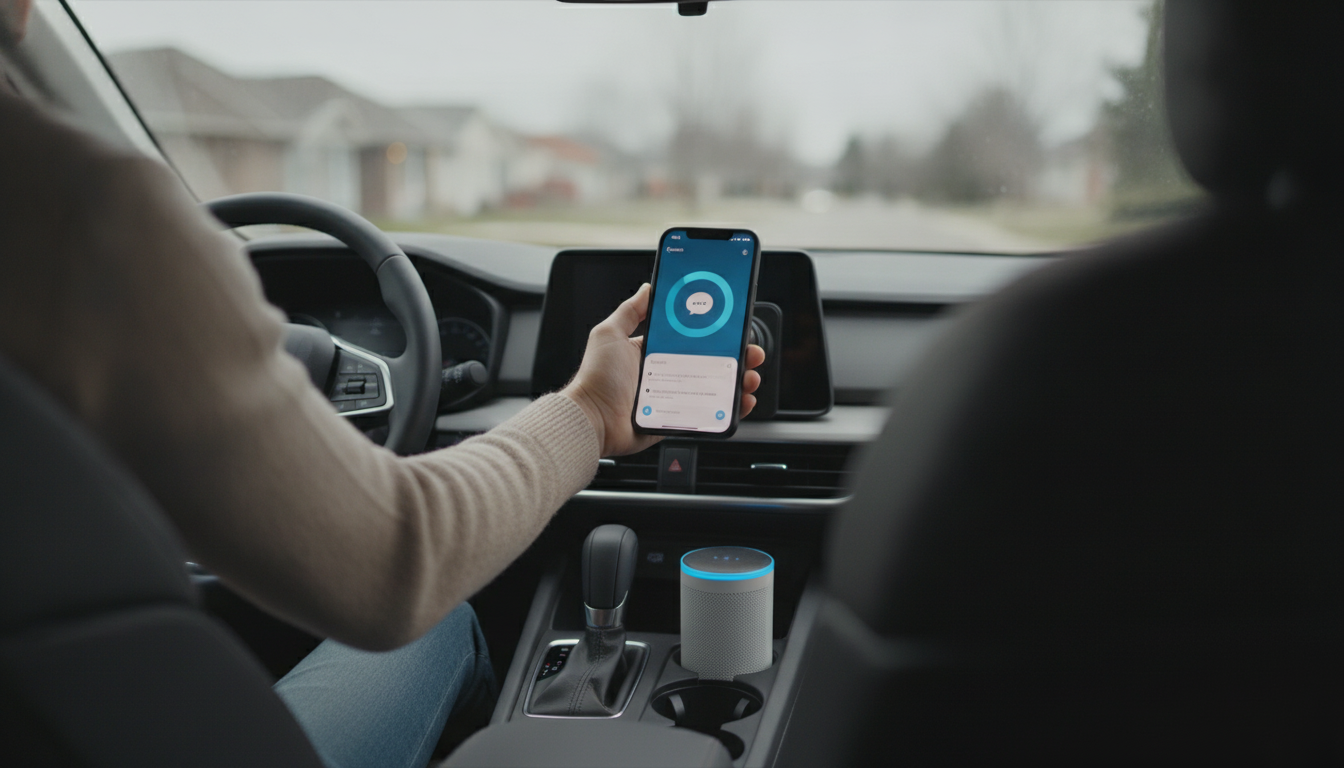
Can you drop in on an Alexa in a different house?
Yes—Alexa Drop In can work across different homes, but only when the devices and permissions are set up correctly. Drop In is designed to act like an instant intercom, so Amazon puts guardrails around who can connect and when. In practice, you can Drop In on an Echo device at a family member’s house, a vacation home, or any location where an Echo is connected to Wi-Fi, as long as you’ve been granted permission and Drop In is enabled on the target device.
How Drop In works between houses
Drop In is tied to Amazon accounts and device settings, not physical distance. To Drop In on an Echo in another house, the device owner typically needs to: enable Drop In on that Echo, allow incoming Drop Ins from approved contacts (or set a specific privacy level), and add you as a permitted contact. Once approved, you can open the Alexa app (or use voice) to start a Drop In session to that specific device.
What must be enabled to Drop In remotely
Both sides need the right settings. The receiving Echo must have Drop In turned on and set to allow Drop Ins from “Contacts” or an approved list. You also need to be in the recipient’s Alexa contacts and allowed for Drop In. If any part is restricted—like the device is set to “Off” or “Only my household”—you won’t be able to connect from outside that home.
Privacy and safety considerations
Because Drop In auto-answers, it’s important to set boundaries. Many people use “Contacts only” and limit permissions to trusted family members. You can also disable Drop In at any time, change who’s allowed, or use “Do Not Disturb” to prevent unexpected connections. For a step-by-step walkthrough of permissions and privacy options, see this Alexa Drop In safe setup guide.
FAQ
Does Alexa Drop In work if Do Not Disturb is on?
No. When Do Not Disturb is enabled on the receiving Echo, Drop In requests won’t go through until Do Not Disturb is turned off.
Recommended for you


Build Toddler Confidence: Simple Daily Habits
Jun 21, 2026
Enable Alexa Drop In on iPhone: Setup & Permissions
Jun 21, 2026













Leave a comment