-
Shop
- Advanced Technologies
- AI Skills
- Bathroom
- Best-Sellers
- Car Accessories
- Confidence
- Dating & Social Skills
- Digital Resources
- AI & Technology
- Beauty
- Budgeting & Saving
- Car Buying & Ownership
- Cozy Feast Collection
- Electronics & Technology
- Entrepreneurship & Business Growth
- Financial Education
- Financial Independence
- Financial Mindset & Psychology
- Goal Setting
- Home Styling & Organization
- Kitchen & Recipes
- Leadership
- Mindfulness
- Mindset
- Online Business
- Parenting & Child Development
- Personal Style & Fashion
- Pet Lifestyle & Wellness
- Positive Thinking
- Sleep Improvement
- Smart Life with AI
- Stress Management & Relaxation
- Travel Planning
- Wellness
- Yoga & Fitness
- Yoga & Mind-Body Practices
- Education & Learning
- Family & Parenting
- Fashion
- Accessories
- Alexander McQueen
- Bags
- Bags & Wallets
- Balenciaga
- Belts
- Blazers
- Bottega Veneta
- Bottoms
- Brunello Cucinelli
- Burberry
- Chanel
- Chloé
- Dior
- Dolce & Gabbana
- Dresses
- Etro
- Fendi
- Gucci
- Hats & Hair Accessories
- Hoodies & Sweatshirts
- Jacquemus
- Jewelry
- Jil Sander
- Kiton
- Luggage
- Miu Miu
- Off-White
- Outerwear
- Prada
- Rick Owens
- Saint Laurent
- Shoes
- Socks & Tights
- Sweaters & Cardigans
- The Row
- Tom Ford
- Tops & Shirts
- Valentino
- Valentino Garavani
- Versace
- Vivienne Westwood
- Watches
- Fashion Accessories
- Furniture
- Gadgets
- Health & Beauty
- Health & Wellness
- Home & Garden
- Home Decor
- Home Electronics
- Home Supplies
- Kids & Babies
- Kitchen
- Kitchen Best-Sellers
- Lighting
- Patio, Lawn & Garden
- Personal Growth
- Pet Care
- Pet Supplies
- Pets
- Sport & Outdoors
- Super Deals
- Travel
- Travel & Adventure
- Wealth
- Popular
- Best deals
Online Safety Parent Toolkit: What It Is & What’s Inside
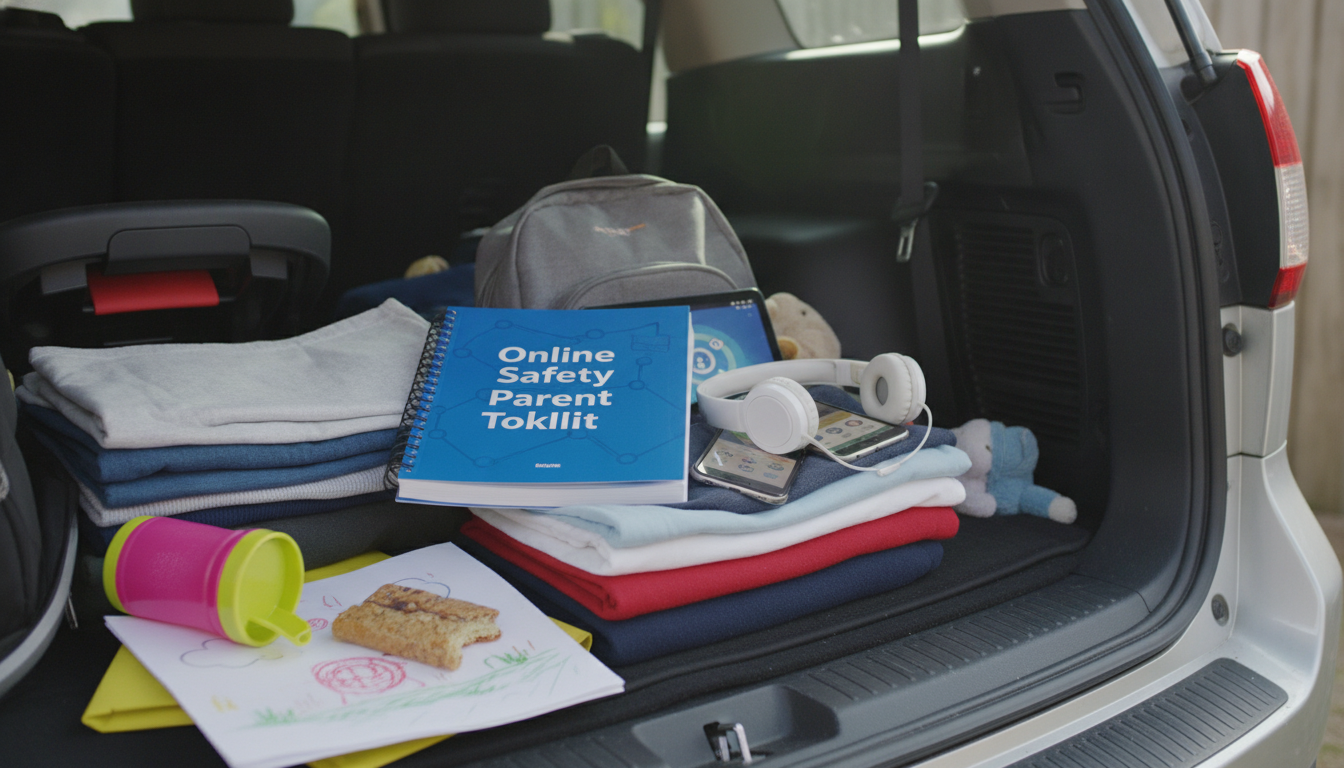
What is the online safety parent toolkit?
An online safety parent toolkit is a set of practical resources that helps caregivers protect kids and teens as they use phones, tablets, apps, games, and social media. It typically bundles step-by-step checklists, conversation starters, recommended settings to review, and guidance on handling common issues like privacy, inappropriate content, cyberbullying, and screen-time boundaries.
What it usually includes
Most toolkits are designed for busy parents who want clear, repeatable routines. Common components include:
Device and app setup guides: instructions for turning on parental controls, limiting downloads, managing location sharing, and setting age-appropriate content filters.
Family rules templates: sample agreements for screen time, bedtime charging, allowed apps, and what to do if something feels “off.”
Safety conversation prompts: age-based ways to talk about scams, online strangers, oversharing, and respectful behavior.
Red-flag checklists: warning signs of bullying, risky DMs, secret accounts, or sudden behavior changes—and what actions to take next.
Why parents use it
Online safety issues can feel overwhelming because platforms change quickly and kids often adopt new apps faster than adults. A toolkit makes safety more manageable by breaking it into small tasks: set up controls, agree on boundaries, and keep communication open. It also helps parents respond calmly when problems arise—saving screenshots, reporting content, and knowing when to loop in a school or professional support.
How to put it into action at home
Pick one “setup” session to review device settings together, then schedule quick monthly check-ins. Keep rules simple and specific (for example, no private messaging with strangers; phones charge outside the bedroom). If you’re unsure how to start the conversation or ask for backup, this guide can help you approach support with confidence: new parent toolkit for asking for help.
FAQ
What should be included in a family digital safety agreement?
A good agreement covers device-free times, approved apps, privacy rules (like no sharing full names or locations), and what to do if a child sees something scary or receives unwanted messages.
















Leave a comment