-
Shop
- Advanced Technologies
- AI Skills
- Bathroom
- Best-Sellers
- Car Accessories
- Confidence
- Dating & Social Skills
- Digital Resources
- AI & Technology
- Beauty
- Budgeting & Saving
- Car Buying & Ownership
- Cozy Feast Collection
- Electronics & Technology
- Entrepreneurship & Business Growth
- Financial Education
- Financial Independence
- Financial Mindset & Psychology
- Goal Setting
- Home Styling & Organization
- Kitchen & Recipes
- Leadership
- Mindfulness
- Mindset
- Online Business
- Parenting & Child Development
- Personal Style & Fashion
- Pet Lifestyle & Wellness
- Positive Thinking
- Sleep Improvement
- Smart Life with AI
- Stress Management & Relaxation
- Travel Planning
- Wellness
- Yoga & Fitness
- Yoga & Mind-Body Practices
- Education & Learning
- Family & Parenting
- Fashion
- Accessories
- Alexander McQueen
- Bags
- Bags & Wallets
- Balenciaga
- Belts
- Blazers
- Bottega Veneta
- Bottoms
- Brunello Cucinelli
- Burberry
- Chanel
- Chloé
- Dior
- Dolce & Gabbana
- Dresses
- Etro
- Fendi
- Gucci
- Hats & Hair Accessories
- Hoodies & Sweatshirts
- Jacquemus
- Jewelry
- Jil Sander
- Kiton
- Luggage
- Miu Miu
- Off-White
- Outerwear
- Prada
- Rick Owens
- Saint Laurent
- Shoes
- Socks & Tights
- Sweaters & Cardigans
- The Row
- Tom Ford
- Tops & Shirts
- Valentino
- Valentino Garavani
- Versace
- Vivienne Westwood
- Watches
- Fashion Accessories
- Furniture
- Gadgets
- Health & Beauty
- Health & Wellness
- Home & Garden
- Home Decor
- Home Electronics
- Home Supplies
- Kids & Babies
- Kitchen
- Kitchen Best-Sellers
- Lighting
- Patio, Lawn & Garden
- Personal Growth
- Pet Care
- Pet Supplies
- Pets
- Sport & Outdoors
- Super Deals
- Travel
- Travel & Adventure
- Wealth
- Popular
- Best deals
Tech Neck Explained: Causes, Symptoms, and Fixes
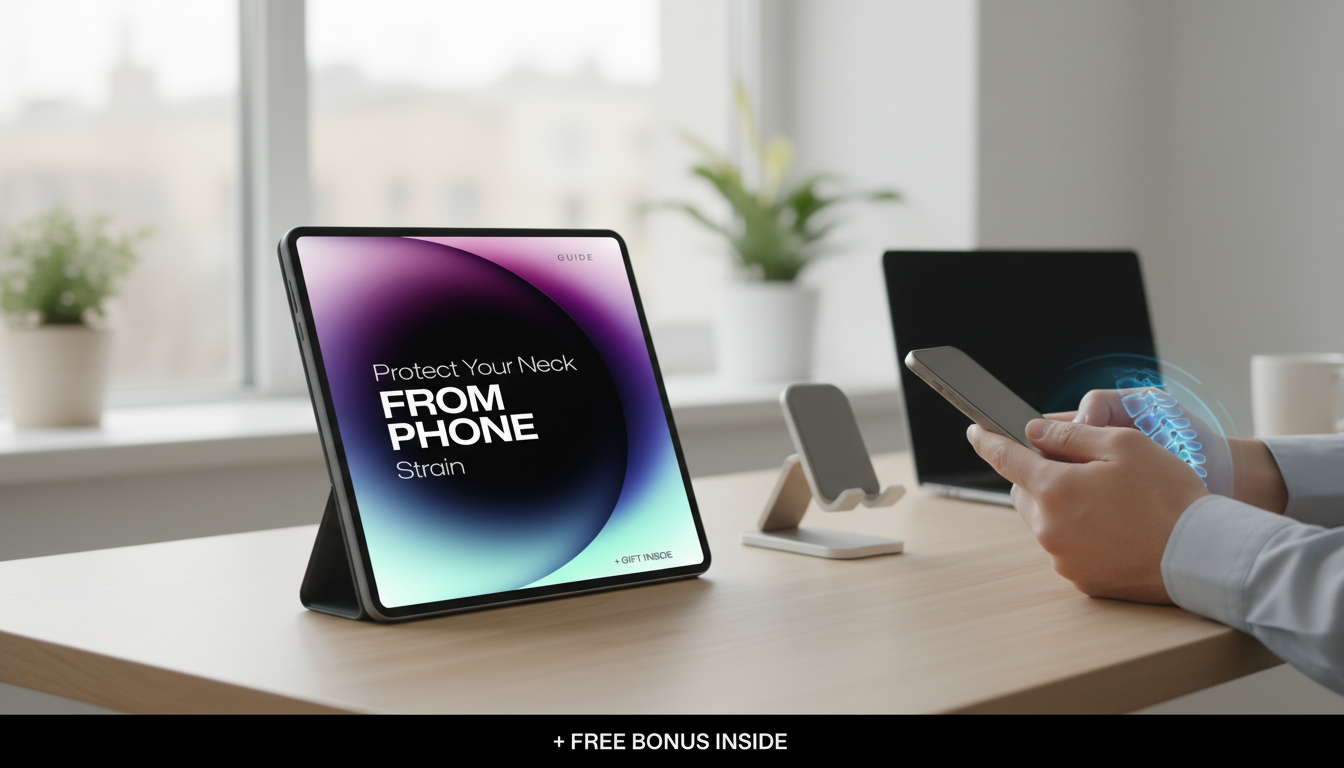
What is tech neck and how to fix it?
Tech neck (sometimes called “text neck”) is the neck and upper-back strain that builds up when the head stays tilted forward for long stretches—most often while looking down at a phone, tablet, or laptop. Since your head gets “heavier” to your muscles the farther it leans forward, the neck, shoulders, and upper back can end up overworking. Common signs include stiffness, soreness at the base of the skull, tight shoulders, headaches, and a rounded, slumped posture that feels harder to “stand up straight” out of.
How to fix tech neck
Relief usually comes from two angles: changing the position that causes the strain and reconditioning the muscles that support better alignment.
1) Bring the screen up to you
Raise your phone or tablet closer to eye level and keep it centered in front of your face. For a laptop, lift the screen with a stand or books and use an external keyboard/mouse so you’re not forced into a chin-down position.
2) Reset your posture in 10 seconds
Sit or stand tall, gently tuck your chin (as if making a “double chin”), relax your shoulders down and back, and lengthen the back of your neck. This is a small movement—avoid cranking your head backward.
3) Take micro-breaks that actually matter
Set a timer for 20–30 minutes. When it goes off, look up at a far target, roll your shoulders, and do 3–5 slow chin tucks. Frequent small resets are often more effective than one long stretch at the end of the day.
4) Loosen what’s tight, strengthen what’s weak
Gently stretch the chest (doorway stretch) and upper traps, and strengthen postural muscles with moves like wall angels, band pull-aparts, and shoulder blade squeezes. Consistency beats intensity.
5) Upgrade your everyday setup
Use a supportive chair, keep feet flat, and position your screen so your eyes naturally land near the top third of the display. Even small tweaks reduce how often your neck “pays the price.”
For a simple, step-by-step routine and practical phone posture tweaks, visit this guide to beat text neck.
FAQ
Can tech neck cause headaches?
Yes. Forward-head posture can tighten muscles at the base of the skull and irritate joints in the upper neck, which may trigger tension-type headaches or make them more frequent.
Recommended for you


Tech Neck Pain: Where You Feel It Most
Jun 25, 2026













Leave a comment