-
Shop
- Advanced Technologies
- AI Skills
- Bathroom
- Best-Sellers
- Car Accessories
- Confidence
- Dating & Social Skills
- Digital Resources
- AI & Technology
- Beauty
- Budgeting & Saving
- Car Buying & Ownership
- Cozy Feast Collection
- Electronics & Technology
- Entrepreneurship & Business Growth
- Financial Education
- Financial Independence
- Financial Mindset & Psychology
- Goal Setting
- Home Styling & Organization
- Kitchen & Recipes
- Leadership
- Mindfulness
- Mindset
- Online Business
- Parenting & Child Development
- Personal Style & Fashion
- Pet Lifestyle & Wellness
- Positive Thinking
- Sleep Improvement
- Smart Life with AI
- Stress Management & Relaxation
- Travel Planning
- Wellness
- Yoga & Fitness
- Yoga & Mind-Body Practices
- Education & Learning
- Family & Parenting
- Fashion
- Accessories
- Alexander McQueen
- Bags
- Bags & Wallets
- Balenciaga
- Belts
- Blazers
- Bottega Veneta
- Bottoms
- Brunello Cucinelli
- Burberry
- Chanel
- Chloé
- Dior
- Dolce & Gabbana
- Dresses
- Etro
- Fendi
- Gucci
- Hats & Hair Accessories
- Hoodies & Sweatshirts
- Jacquemus
- Jewelry
- Jil Sander
- Kiton
- Luggage
- Miu Miu
- Off-White
- Outerwear
- Prada
- Rick Owens
- Saint Laurent
- Shoes
- Socks & Tights
- Sweaters & Cardigans
- The Row
- Tom Ford
- Tops & Shirts
- Valentino
- Valentino Garavani
- Versace
- Vivienne Westwood
- Watches
- Fashion Accessories
- Furniture
- Gadgets
- Health & Beauty
- Health & Wellness
- Home & Garden
- Home Decor
- Home Electronics
- Home Supplies
- Kids & Babies
- Kitchen
- Kitchen Best-Sellers
- Lighting
- Patio, Lawn & Garden
- Personal Growth
- Pet Care
- Pet Supplies
- Pets
- Sport & Outdoors
- Super Deals
- Travel
- Travel & Adventure
- Wealth
- Popular
- Best deals
Paper & Mail Control: Daily, Weekly & Filing Routines
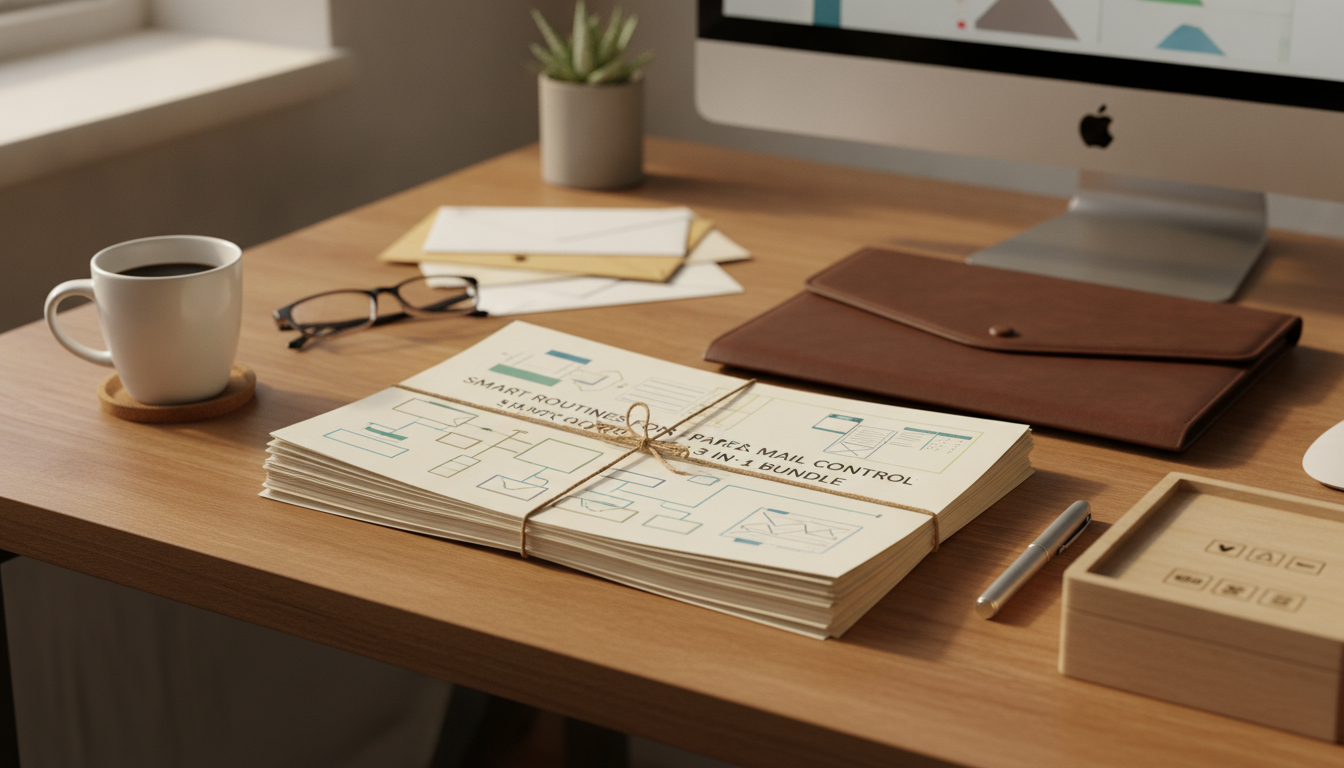
Smart Routines for Paper and Mail Control (Without Living in a Filing Cabinet)
Paper piles and overflowing mail are rarely about “too much paper” and more about missing routines—what enters the home, where it lands, how it gets processed, and when it leaves. When every envelope is a new decision, the backlog grows fast, and important documents get buried under coupons and inserts. A simple, repeatable system prevents pileups, reduces decision fatigue, and keeps critical records easy to find.
Below are practical routines for daily mail intake, a weekly reset, and long-term document control—plus how a structured bundle can help turn these steps into habits that stick.
Why paper and mail become clutter so fast
- Paper is time-sensitive. Bills, school forms, medical letters, warranties, and notices arrive mixed together, so urgent items blend into noise.
- No single landing zone. When mail lands on multiple counters, bags, and desks, it becomes duplicate piles that feel “sorted” but aren’t.
- Unclear next steps stall decisions. “File it, scan it, shred it, respond to it” becomes a mental traffic jam.
- Fear of discarding something important. Expired offers, old statements, and duplicate manuals stick around “just in case.”
- Systems shrink decisions. Standardize where mail goes, when it’s processed, and where each category lives.
Set up a simple intake station that prevents new piles
The goal of an intake station is to stop paper from roaming. Keep it small so it can’t become a second countertop.
- Pick one entry point near the door or kitchen counter—where mail naturally arrives.
- Use three core containers: “Action,” “To File,” and “To Recycle/Shred.” (Optional: “To Read,” only if it stays thin.)
- Place tools where you use them: letter opener, pen, sticky notes, small stapler, and a shred bag/bin.
- Same-day rule: open mail the day it arrives, even if deeper processing happens later.
- Strip obvious trash immediately: envelopes, inserts, duplicates, and expired promos.
If identity documents or sensitive financial notices appear regularly, consider adding a “Sensitive” sub-spot inside the Action container. For identity theft recovery resources, the FTC’s official hub is IdentityTheft.gov.
The daily routine (5–10 minutes): open, sort, and label
Daily mail control isn’t about “finishing” paperwork; it’s about preventing rework and making the next step obvious.
- Open everything once. Re-opening the same envelope later is hidden time loss.
- Sort into three outcomes: act soon, file/keep, or discard.
- Label Action items with the next step directly on the paper: “pay online,” “call billing,” “reply by Friday.”
- Batch tiny tasks. If it takes under two minutes (add a calendar reminder, confirm an appointment), do it immediately.
- Keep Action thin. If it grows, it’s a signal the weekly reset needs tightening—not that you need bigger bins.
The weekly reset (20–30 minutes): clear the Action stack
Pick a consistent time (Sunday evening, Friday morning) so paper never goes more than seven days without review. This is where “Action” becomes “Done.”
- Use a short processing order: Pay → Schedule → Reply → Scan/Save → File → Shred.
- Create one “Waiting For” list for items dependent on others (refunds, replacements, insurance responses).
- Scan selectively. Prioritize legal/financial/medical records, contracts, and warranties tied to big purchases.
- Empty recycle/shred at the end, and reset tools at the intake station.
For guidance on organizing bills and statements, the Consumer Financial Protection Bureau offers practical budgeting tools at consumerfinance.gov.
Build a home document system that stays small
Over-filing creates “organized clutter.” Broad categories are easier to maintain than a complex micro-folder system.
For tax-related retention basics, reference the IRS recordkeeping overview at irs.gov.
What a structured 3-in-1 routine bundle helps standardize
If you want an all-in-one, guided approach, see Smart Routines for Paper and Mail Control: 3 in 1 Bundle for Decluttering. For entrepreneurs and home offices that also need help streamlining digital admin, AI for Small Business Toolkit – 5-in-1 Digital Download Bundle can complement the same “routines-first” mindset.
Routine map: from incoming mail to a cleared counter
| Stage | Time Needed | Goal | Tools/Outputs |
|---|---|---|---|
| Daily intake | 5–10 min | Open, remove junk, decide next step | Action folder, File folder, Recycle/Shred bin |
| Weekly reset | 20–30 min | Finish tasks and zero out the Action stack | Checklist, calendar, payment log, scanner (optional) |
| Monthly/quarterly purge | 20–45 min | Prevent over-filing and reduce storage | Shred bag, archive box, retention rules |
| Annual review | 60–90 min | Archive prior-year papers and refresh categories | Tax folder, medical summary, key document list |
Common sticking points (and quick fixes)
Making the routine stick for 30 days
FAQ
How long should mail be kept before shredding or recycling?
Recycle junk immediately, keep action items until the task is completed, and hold receipts only for returns, warranties, reimbursements, or taxes. When unsure, place items in a dated “review later” folder and decide during your next monthly purge.
Is it better to scan everything or keep paper files?
A hybrid system works best for most households: keep required originals (identity, contracts, titles), scan high-value reference documents, and skip scanning low-importance papers. Consistent naming and a simple folder structure matter more than scanning everything.
What is the fastest way to clear an existing backlog of paper?
Do a backlog sprint: set up “Action,” “To File,” and “Recycle/Shred,” remove obvious trash first, then sort what remains by category in timed batches. Handle only current/urgent items now, archive older papers for later review, and immediately begin the daily and weekly routines to prevent relapse.
Recommended for you


5-5-5 Rule for Social Media: 15-Min Daily Routine
Jul 22, 2026
Best Happy Hour in Fort Lauderdale: Where to Go
Jul 23, 2026













Leave a comment