-
Shop
- Advanced Technologies
- AI Skills
- Bathroom
- Best-Sellers
- Car Accessories
- Confidence
- Dating & Social Skills
- Digital Resources
- AI & Technology
- Beauty
- Budgeting & Saving
- Car Buying & Ownership
- Cozy Feast Collection
- Electronics & Technology
- Entrepreneurship & Business Growth
- Financial Education
- Financial Independence
- Financial Mindset & Psychology
- Goal Setting
- Home Styling & Organization
- Kitchen & Recipes
- Leadership
- Mindfulness
- Mindset
- Online Business
- Parenting & Child Development
- Personal Style & Fashion
- Pet Lifestyle & Wellness
- Positive Thinking
- Sleep Improvement
- Smart Life with AI
- Stress Management & Relaxation
- Travel Planning
- Wellness
- Yoga & Fitness
- Yoga & Mind-Body Practices
- Education & Learning
- Family & Parenting
- Fashion
- Accessories
- Alexander McQueen
- Bags
- Bags & Wallets
- Balenciaga
- Belts
- Blazers
- Bottega Veneta
- Bottoms
- Brunello Cucinelli
- Burberry
- Chanel
- Chloé
- Dior
- Dolce & Gabbana
- Dresses
- Etro
- Fendi
- Gucci
- Hats & Hair Accessories
- Hoodies & Sweatshirts
- Jacquemus
- Jewelry
- Jil Sander
- Kiton
- Luggage
- Miu Miu
- Off-White
- Outerwear
- Prada
- Rick Owens
- Saint Laurent
- Shoes
- Socks & Tights
- Sweaters & Cardigans
- The Row
- Tom Ford
- Tops & Shirts
- Valentino
- Valentino Garavani
- Versace
- Vivienne Westwood
- Watches
- Fashion Accessories
- Furniture
- Gadgets
- Health & Beauty
- Health & Wellness
- Home & Garden
- Home Decor
- Home Electronics
- Home Supplies
- Kids & Babies
- Kitchen
- Kitchen Best-Sellers
- Lighting
- Patio, Lawn & Garden
- Personal Growth
- Pet Care
- Pet Supplies
- Pets
- Sport & Outdoors
- Super Deals
- Travel
- Travel & Adventure
- Wealth
- Popular
- Best deals
Best Wi‑Fi Router Placement: Quick Home Checklist
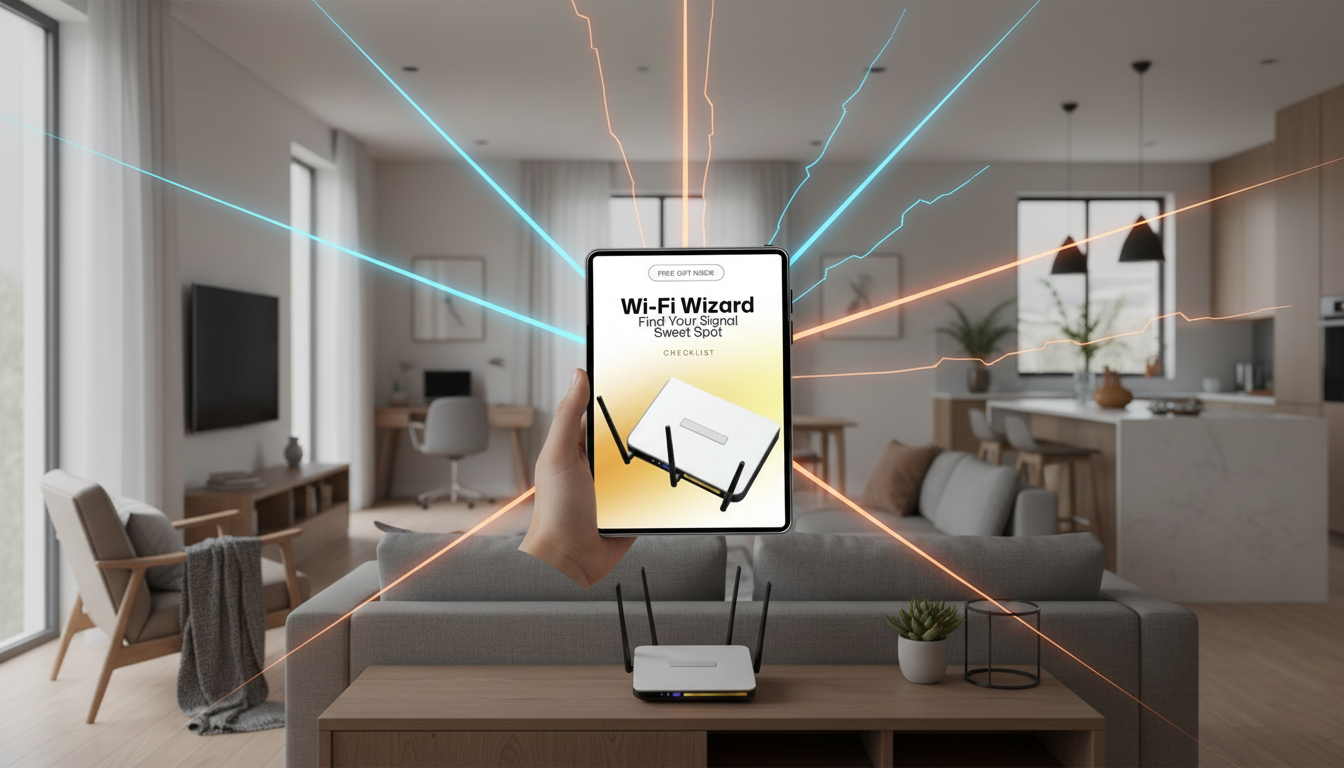
Wi‑Fi Wizard: Find Your Signal Sweet Spot — A Simple Checklist for Router Placement at Home
Better Wi‑Fi often comes down to placement, not a new plan. A few feet can change how your signal moves through walls, floors, and furniture—meaning fewer dead zones and more consistent speed for streaming, calls, gaming, and smart devices. Use the room-by-room checklist below to find a practical “sweet spot” for your router and lock it in with quick retests.
Start with a 10‑minute Wi‑Fi walkthrough
Before moving anything, get a fast snapshot of where your network struggles and what might be causing it. This prevents endless trial-and-error and helps you prioritize the rooms that matter most.
- Note the rooms where Wi‑Fi feels slow, drops on calls, or buffers on TV.
- Run a speed test near the router and in 2–3 problem areas (use the same device each time).
- Identify what sits between the router and those rooms: thick walls, mirrors, fireplaces, large appliances, metal shelving, or aquariums.
- Decide what matters most: whole‑home coverage, one high‑performance office, or stable streaming in the living room.
- If the modem connection limits where the router can go, plan on a longer Ethernet cable or a mesh/node later.
Find the strongest spot: height, center, and clear space
Most home Wi‑Fi issues come from the router being tucked away in a corner, hidden in a cabinet, or placed low behind electronics. A “good enough” central location that’s elevated and unobstructed usually beats the perfect-looking spot.
- Place the router as centrally as practical relative to where Wi‑Fi is used most.
- Elevate the router: a high shelf often beats a low cabinet because signal spreads outward and down more effectively than through furniture.
- Give it breathing room: keep at least a few inches of open space around vents and antennas.
- Avoid hiding it in cabinets, entertainment consoles, or behind a TV—those locations absorb and reflect signal.
- Prefer open sightlines: fewer dense obstacles between router and devices usually means higher speeds and fewer retries.
Quick placement choices: what usually works best
| Home area | Good placement | Avoid because |
|---|---|---|
| Living room | Open shelf, 4–6 ft high, not behind the TV | TV/console cabinets block and reflect signal |
| Home office | Router or mesh node in the same room when possible | Multiple walls between router and desk increases latency |
| Hallway/landing | Central, elevated, open area | Corners create uneven coverage |
| Bedroom | Across the room on a shelf (not under the bed) | Low positions reduce reach and stability |
| Kitchen | As far as possible from microwave and large metal appliances | Microwave and metal surfaces add interference/reflections |
| Basement | Only if most devices are downstairs; otherwise keep router upstairs | Concrete floors/walls attenuate signal to upper levels |
Know the signal blockers and interference sources
Wi‑Fi is radio. Some materials simply soak it up, while others bounce it around in ways that create “good” and “bad” pockets within the same room.
- Dense materials (brick, concrete, plaster, tile) weaken Wi‑Fi more than drywall and wood.
- Large metal objects (refrigerators, filing cabinets) reflect signal and can create weird “shadow” zones.
- Mirrors and glass with metallic coatings can significantly reduce signal through that surface.
- Microwaves, baby monitors, some cordless phones, and older Bluetooth-heavy areas can cause congestion—especially on 2.4 GHz.
- If neighbors’ networks are crowded, choosing a less congested channel or using 5 GHz/6 GHz can help, but placement still matters.
For a helpful baseline on how Wi‑Fi works and why obstacles matter, see the Wi‑Fi Alliance Wi‑Fi Basics overview.
Antenna positioning that improves real-world coverage
If your router has external antennas, simple angle changes can improve coverage—especially across multiple floors or when devices are held in different orientations.
Safety, heat, and practical placement rules
For more detail on wireless devices and health considerations, the FCC guidance on wireless devices and health concerns is a useful reference.
The Easy Home Internet Checklist (printable steps)
Tip: Track results so changes are deliberate instead of guesswork. If you want a ready-made, room-by-room worksheet, Wi‑Fi Wizard: Find Your Signal Sweet Spot is a simple digital checklist designed for quick comparisons across rooms and floors.
Use Wi‑Fi Wizard to lock in the sweet spot faster
If your Wi‑Fi issues affect video meetings and daily workflow, consider pairing your network tune-up with productivity resources for home-office operations, like the AI for Small Business Toolkit – 5-in-1 Digital Download Bundle. For small-business owners tightening checkout and payment decisions (often while working remotely), Choosing the Right Payment Solution for Your Business: Stripe vs Square Which Is Better can be a helpful companion read.
Finally, don’t forget the basics of home network safety: change default passwords, keep firmware updated, and secure your Wi‑Fi settings. NIST provides practical guidance in Securing Small Office and Home Office Networks.
FAQ
Where is the safest place to put a WiFi router in your home?
Choose a stable, ventilated, elevated spot away from water sources and heat, ideally in a low-traffic area where it won’t be bumped. Use a surge protector, and keep the router out of reach of pets and small children when possible.
What is the best way to position a WiFi router antenna?
As a starting point, set one antenna vertical and another angled around 45° to help different device orientations and multi-room coverage. After each adjustment, retest in the same problem rooms to confirm the change actually improved performance.
Recommended for you

Safest WiFi Router Placement: Best Spots at Home
Jul 1, 2026













Leave a comment