-
Shop
- Advanced Technologies
- AI Skills
- Bathroom
- Best-Sellers
- Car Accessories
- Confidence
- Dating & Social Skills
- Digital Resources
- AI & Technology
- Beauty
- Budgeting & Saving
- Car Buying & Ownership
- Cozy Feast Collection
- Electronics & Technology
- Entrepreneurship & Business Growth
- Financial Education
- Financial Independence
- Financial Mindset & Psychology
- Goal Setting
- Home Styling & Organization
- Kitchen & Recipes
- Leadership
- Mindfulness
- Mindset
- Online Business
- Parenting & Child Development
- Personal Style & Fashion
- Pet Lifestyle & Wellness
- Positive Thinking
- Sleep Improvement
- Smart Life with AI
- Stress Management & Relaxation
- Travel Planning
- Wellness
- Yoga & Fitness
- Yoga & Mind-Body Practices
- Education & Learning
- Family & Parenting
- Fashion
- Accessories
- Alexander McQueen
- Bags
- Bags & Wallets
- Balenciaga
- Belts
- Blazers
- Bottega Veneta
- Bottoms
- Brunello Cucinelli
- Burberry
- Chanel
- Chloé
- Dior
- Dolce & Gabbana
- Dresses
- Etro
- Fendi
- Gucci
- Hats & Hair Accessories
- Hoodies & Sweatshirts
- Jacquemus
- Jewelry
- Jil Sander
- Kiton
- Luggage
- Miu Miu
- Off-White
- Outerwear
- Prada
- Rick Owens
- Saint Laurent
- Shoes
- Socks & Tights
- Sweaters & Cardigans
- The Row
- Tom Ford
- Tops & Shirts
- Valentino
- Valentino Garavani
- Versace
- Vivienne Westwood
- Watches
- Fashion Accessories
- Furniture
- Gadgets
- Health & Beauty
- Health & Wellness
- Home & Garden
- Home Decor
- Home Electronics
- Home Supplies
- Kids & Babies
- Kitchen
- Kitchen Best-Sellers
- Lighting
- Patio, Lawn & Garden
- Personal Growth
- Pet Care
- Pet Supplies
- Pets
- Sport & Outdoors
- Super Deals
- Travel
- Travel & Adventure
- Wealth
- Popular
- Best deals
WiFi Router Antenna Positioning: Vertical vs Angled
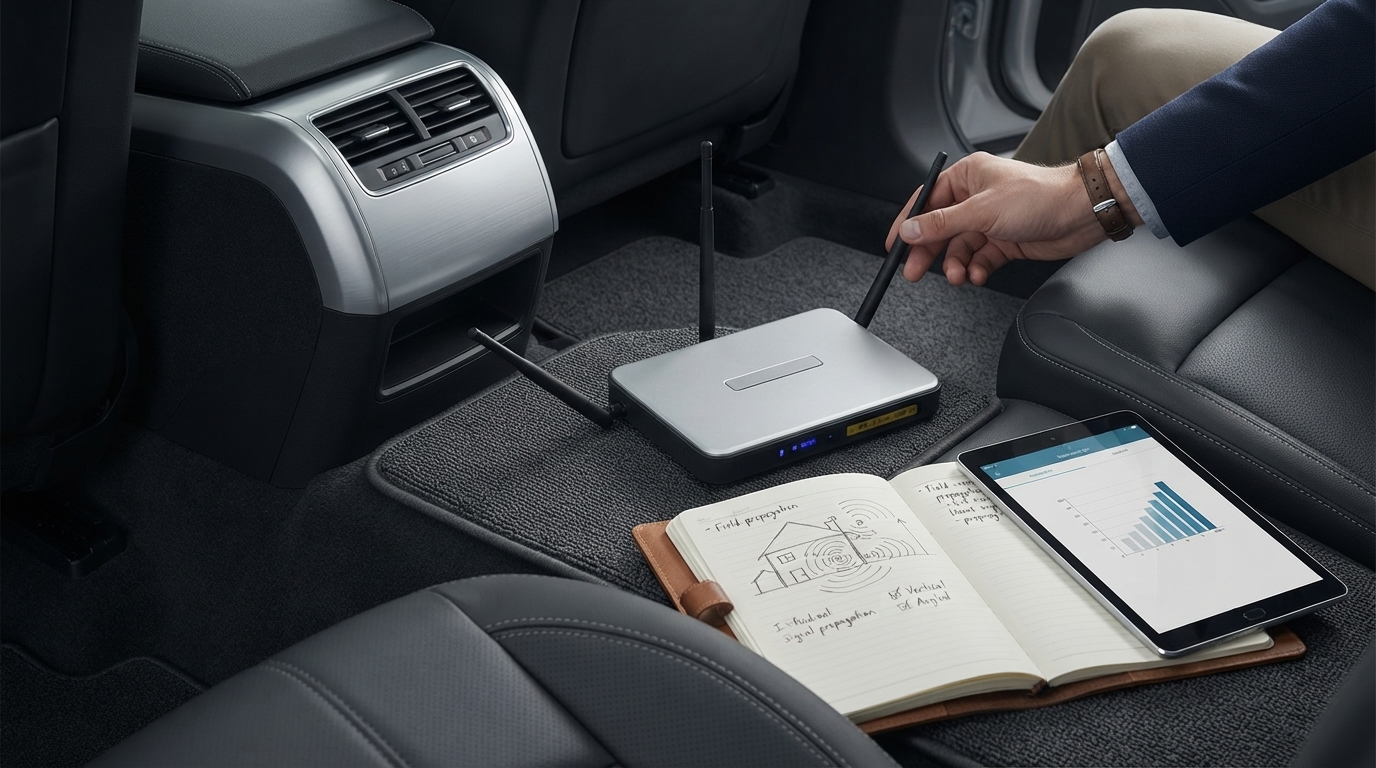
What is the best way to position a WiFi router antenna?
The best way to position a WiFi router antenna is to match the antenna direction to how your devices use the space. Most modern routers use multiple antennas to create a spread-out signal pattern, so a simple, effective setup is to place one antenna vertical and another horizontal (or at a 45-degree angle) to cover both single-floor and multi-floor use.
Start with a “mixed” antenna orientation
If your router has two or more external antennas, set one straight up (vertical) and angle the others outward (horizontal or 45 degrees). A vertical antenna tends to broadcast a stronger signal across the same floor, while a more horizontal angle can help reach upstairs or downstairs because the signal pattern changes direction.
Keep antennas unobstructed and away from interference
Antenna position matters less if the router is blocked or surrounded by interference. Keep antennas clear of walls, large metal objects, and dense furniture. Avoid placing the router right next to TVs, microwaves, baby monitors, cordless phone bases, or Bluetooth-heavy hubs—these can add noise that reduces real-world speed and stability.
Match antenna direction to problem areas
If one room consistently drops connection, try small adjustments rather than a full rearrange. Rotate one antenna slightly toward the problem area, then test. Changes of just a few degrees can alter reflections and dead zones, especially in apartments and homes with lots of interior walls.
Don’t forget placement basics
A perfectly angled antenna can’t fix a router hidden in a cabinet or placed on the floor. For a quick room-by-room checklist on placement, height, and avoiding signal killers, use this guide: best Wi-Fi router placement quick home checklist.
For WiFi Router Antenna Positioning: Vertical vs Angled, the best answer depends on fit, material, care instructions, and how the product will be used day to day.
FAQ
Should I point my router antennas straight up or sideways?
If you’re mainly covering one floor, start with antennas straight up. For multi-story coverage, try one vertical and one sideways (or 45 degrees) to broaden coverage in different directions.
Recommended for you


Safest WiFi Router Placement: Best Spots at Home
Jul 1, 2026











Leave a comment