-
Shop
- Advanced Technologies
- AI Skills
- Bathroom
- Best-Sellers
- Car Accessories
- Confidence
- Dating & Social Skills
- Digital Resources
- AI & Technology
- Beauty
- Budgeting & Saving
- Car Buying & Ownership
- Cozy Feast Collection
- Electronics & Technology
- Entrepreneurship & Business Growth
- Financial Education
- Financial Independence
- Financial Mindset & Psychology
- Goal Setting
- Home Styling & Organization
- Kitchen & Recipes
- Leadership
- Mindfulness
- Mindset
- Online Business
- Parenting & Child Development
- Personal Style & Fashion
- Pet Lifestyle & Wellness
- Positive Thinking
- Sleep Improvement
- Smart Life with AI
- Stress Management & Relaxation
- Travel Planning
- Wellness
- Yoga & Fitness
- Yoga & Mind-Body Practices
- Education & Learning
- Family & Parenting
- Fashion
- Accessories
- Alexander McQueen
- Bags
- Bags & Wallets
- Balenciaga
- Belts
- Blazers
- Bottega Veneta
- Bottoms
- Brunello Cucinelli
- Burberry
- Chanel
- Chloé
- Dior
- Dolce & Gabbana
- Dresses
- Etro
- Fendi
- Gucci
- Hats & Hair Accessories
- Hoodies & Sweatshirts
- Jacquemus
- Jewelry
- Jil Sander
- Kiton
- Luggage
- Miu Miu
- Off-White
- Outerwear
- Prada
- Rick Owens
- Saint Laurent
- Shoes
- Socks & Tights
- Sweaters & Cardigans
- The Row
- Tom Ford
- Tops & Shirts
- Valentino
- Valentino Garavani
- Versace
- Vivienne Westwood
- Watches
- Fashion Accessories
- Furniture
- Gadgets
- Health & Beauty
- Health & Wellness
- Home & Garden
- Home Decor
- Home Electronics
- Home Supplies
- Kids & Babies
- Kitchen
- Kitchen Best-Sellers
- Lighting
- Patio, Lawn & Garden
- Personal Growth
- Pet Care
- Pet Supplies
- Pets
- Sport & Outdoors
- Super Deals
- Travel
- Travel & Adventure
- Wealth
- Popular
- Best deals
What Is the AI Approach to Security Cameras?
What is the AI approach?
For a smart security camera, the AI approach means using software to interpret what the camera detects and decide which events deserve your attention. Instead of sending an alert for every movement, an AI-enabled camera may distinguish a person from a passing car, identify a package, or let you set a zone where activity matters. The goal is fewer unnecessary notifications and a faster way to find relevant footage.
We recommend treating AI as a useful filter, not a substitute for your judgment. A camera can miss an event or label one incorrectly, especially when lighting is poor or a subject is partly blocked. Choose settings that match the space you need to monitor, then review alerts and adjust them after installation.
Start with the alerts you need
Before choosing a camera, decide what you want it to tell you. If you monitor a front door, person and package alerts may be more useful than notifications for all motion. For a driveway, vehicle detection or an activity zone may help you focus on arrivals without getting alerted to movement across the street. Our team suggests starting with a small number of meaningful alerts; you can add more once you know how the camera performs in your space.
Make privacy part of the setup
AI features can involve video analysis on the device, in the cloud, or both. Those approaches can affect which features work without an internet connection and how footage is handled. Before enabling a feature, review its storage, sharing, and retention controls so you understand what it requires.
Place cameras where they cover your property without needlessly capturing neighbors’ windows or private spaces. Use privacy zones when available, limit account access to people who need it, turn on two-factor authentication, and keep the camera’s software updated. If a feature creates more alerts or collects more footage than you want, narrow its detection zone or turn it off.
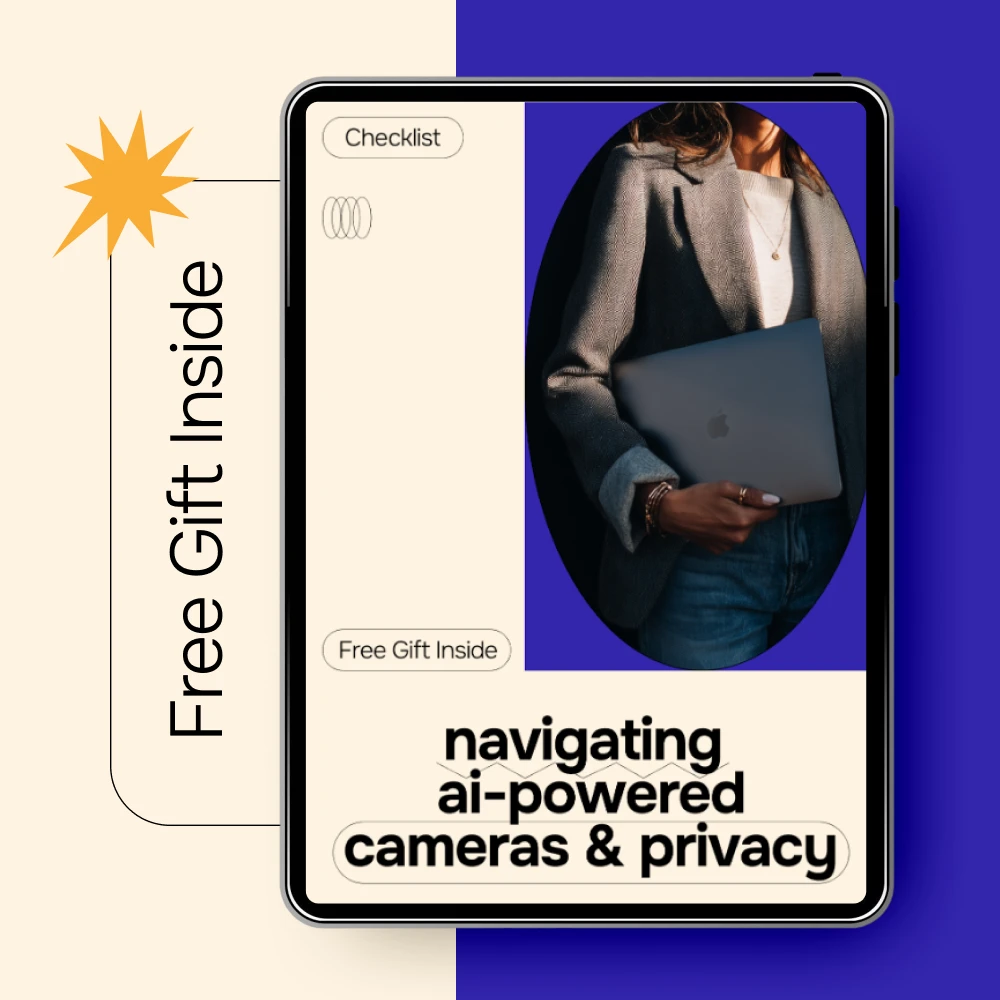
Our practical approach is to select the smallest set of AI features that solves your monitoring needs, then pair those features with deliberate privacy settings. For a step-by-step review before you buy or install, use our AI camera privacy checklist for safer smart surveillance.
FAQ
Can an AI security camera work without an internet connection?
Some cameras can continue recording or analyzing certain events locally, but cloud-dependent alerts and remote viewing typically need an internet connection. The answer depends on the camera and the features you enable.
Recommended for you


Which AI Master’s Program Fits Your Career Goals?
Oct 24, 2026
Best AI Mastering Tools: How to Choose
Oct 24, 2026













Leave a comment